
Reliable Tattoo Power Supply Reviews 2026
Table of Contents
- What Makes a Tattoo Power Supply Reliable in 2026
- Quick Comparison: Top Tattoo Power Supplies for 2026
- Tattoo Power Supply Voltage Settings Guide
- Wireless vs Wired Tattoo Power Supply: Which Wins for Long Sessions?
- How to Maintain Tattoo Power Supply for Long-Term Performance
- Common Compatibility Issues and Troubleshooting Guide
- Final Verdict: Choosing Your Reliable Power Supply
- Frequently Asked Questions
Last Updated: September 28, 2026
What Makes a Tattoo Power Supply Reliable in 2026
Reliability in 2026 comes down to four things:
- Amperage stability under continuous load, not just at startup
- Battery capacity in mAh, matched to your real session length
- Voltage regulation that holds steady as the battery drains
- Build quality, housing, connection points, and motor
Quick Comparison: Top Tattoo Power Supplies for 2026
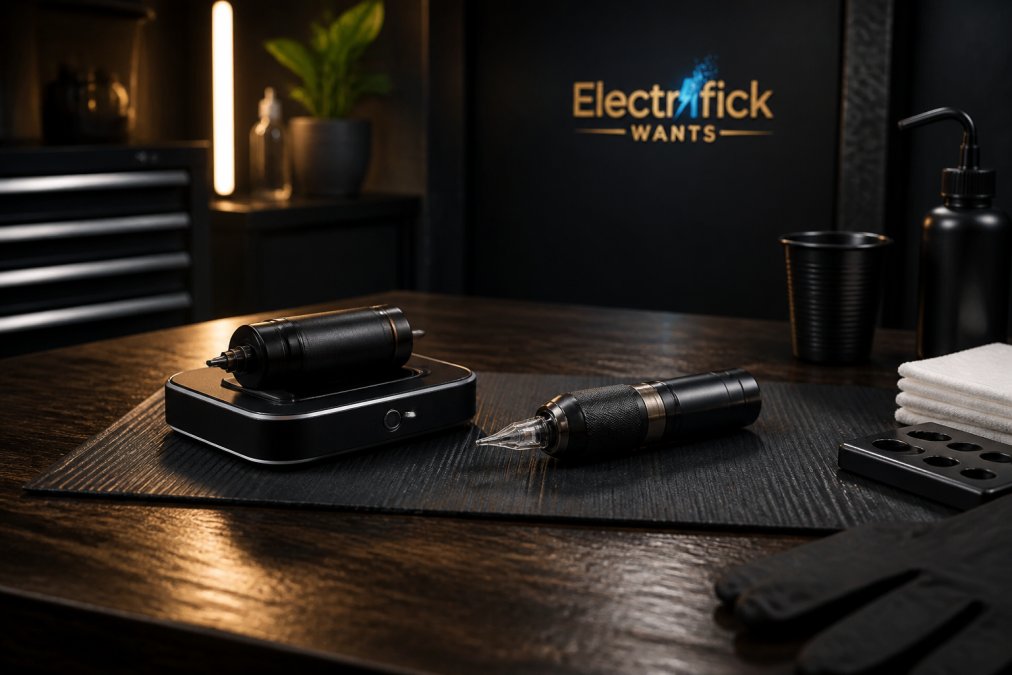
The POSEIDON-S-LUXE Dual Power Tattoo Pen Set offers both wireless freedom and a stable RCA connection in one kit. For adjustable strokes for permanent makeup, the Mast P60 stands out. And a Racer Pro charging base and spare battery kit costs less than a new machine.

| Product | Price | Battery | Best For | Key Spec |
|---|---|---|---|---|
| POSEIDON-S-LUXE Dual Power Pen Set | $280.00 | 2 x 2300mAh | All-around studio use | Dual wireless/RCA modes |
| Mast Racer Pro Battery + Charging Base | $95.00 | 1520mAh | Spare power backup | 50-minute full charge |
| Dragonhawk Mast P40 | $190.00 | 900mAh | Permanent makeup | 2.5mm fixed stroke |
| Dragonhawk Mast P60 | $205.00 | Over 3 hours runtime | PMU and small tattoos | 2.2-3.2mm adjustable strokes |
| Dragonhawk Mast Archer Ultra | $650.00 | 2300mAh | High-volume studios | 4.5mm stroke, app control |
| Dragonhawk Archer S Kit + Pedal | $269.99 | 4.2mm stroke pen | Complete wireless setups | Includes Bluetooth pedal |
| Dragonhawk Mast Racer Pro | $250.00 | 1520mAh | Fast-paced sessions | 5-min charge = 1 hour runtime |
| Mast Wireless Foot Pedal | $22.00 | 700mAh | Hands-free control | 100,000-cycle tested |
Tattoo Power Supply Voltage Settings Guide
Most rotary machines run best between 6 and 9 volts for lining and 8 to 12 volts for shading and color packing. Those ranges are a starting point, what determines whether a session goes well is what the supply holds under load.
Why Set Voltage Is the Wrong Metric
A power supply that reads 9.0V at rest can drop to 7.5V the moment the motor engages. That 1.5V sag changes penetration depth, slows the needle, and forces you to compensate with hand speed, by the time you notice, you've overworked the skin.
How to Test Voltage Consistency Under Load
You don't need a lab, just a multimeter and ten minutes.
- Set the supply to your working voltage with the machine running free (no cartridge, no skin contact).
- Note the reading.
- Attach a cartridge and press the tip into a firm rubber practice pad to simulate skin and pigment resistance.
- Watch the multimeter while the motor is loaded.
- Repeat at your lining and shading voltages.
Voltage Drop During Heavy Shading vs. Fine Lining
The two phases of a tattoo load the supply differently.
Reading the Signs in Real Time
- Too low: needle drags, pigment does not settle, you repeat passes
- Too high: skin trauma, excess vibration, ink blowouts
- Fluctuating: inconsistent line weight, patchy shading, and a display that moves when you press into the skin
That last one is the tell. If the voltage readout moves every time you change pressure, the regulation circuit is not holding. A stable supply shows a stable number whether the needle is free-running or buried in a practice pad.
Where Specific Units Land
The Mast Racer Pro handles load differently: its DCV Mode delivers raw power even at low voltage settings, so you can run a lower number without losing penetration force, while HZ Mode adapts stroke control to hand speed across a 3Hz to 140Hz range.

Wireless vs Wired Tattoo Power Supply: Which Wins for Long Sessions?
Wired wins on raw stability; wireless wins on freedom. For sessions over four hours, it depends on whether you can tolerate a cable.
How to Maintain Tattoo Power Supply for Long-Term Performance
Most reviews test a power supply out of the box and never touch it again, which tells you nothing about the unit you'll still be using in month twelve. The maintenance question that matters is how to know when it's starting to fail, and how to slow that down.
The Three Failure Modes That Kill Power Supplies
Almost every power supply failure traces back to one of three mechanisms:
POSEIDON-S-LUXE DUAL POWER TATTOO PEN →
- Thermal stress on the battery. Lithium-ion packs lose capacity fastest when held at full charge in high heat, a pack stored at 100% in a warm studio can lose measurable capacity within months.
- Connection wear. RCA jacks, clip cords, and charging contacts wear every time they're plugged, unplugged, or docked. Fraying and oxidation raise resistance, showing up as voltage drop under load.
- Electronics drift. Regulation circuits and capacitors age, a supply that held 0.1V tolerance when new may drift to 0.4V after a year of daily thermal cycling.
A 6-to-12 Month Degradation Test You Can Run Yourself
This is the test almost no review covers, and it tells you whether your supply is still trustworthy.
The Maintenance Routine That Actually Extends Life
- Wipe the housing and grip with isopropyl after each session
- Inspect the RCA connector or clip cord for fraying monthly
- Clean connection points with contact cleaner every few weeks
- Store batteries at around 50% charge if the machine sits unused for more than a week
- Avoid charging in hot vehicles or direct sun
- Check the charging base contacts for dust buildup
- Replace worn cartridge grips before they loosen mid-session
- Log your baseline and follow-up voltage and runtime numbers so degradation is visible, not guessed
Battery care matters most. If you run a wireless setup, rotate between two batteries rather than running one to zero every time, rotating spreads the wear and gives you a known-good spare.
When to Retire a Unit
A power supply is not a lifetime purchase. Retire it when any of these is true:
- Loaded voltage sags more than 0.5V below the set point
- Runtime has dropped below 70% of your recorded baseline
- The display flickers or the unit cuts out under heavy shading
- The RCA jack or charging contacts show visible pitting or corrosion
Common Compatibility Issues and Troubleshooting Guide
Most compatibility problems come down to cartridge fit, connection type, and voltage mismatch.
Final Verdict: Choosing Your Reliable Power Supply
Buy for your worst session, not your average one. Small pieces? A 900mAh machine like the Mast P40 is plenty. Six-hour shading marathons? You need capacity, a spare battery, and a wired fallback.
Frequently Asked Questions
What features should I look for in a reliable tattoo power supply in 2026?
Prioritize stable voltage output, a clear LED display, and overload protection. Battery capacity matters for wireless units: look for 1500mAh or higher for sessions over 4 hours. Also check for dual connectivity (wireless and RCA wired) like the POSEIDON set, which offers two 2300mAh batteries and 6-8 hours of runtime per battery. Compatibility with standard cartridges and power supplies is essential for studio flexibility.
Is a wireless or wired tattoo power supply better for long sessions?
Wireless power supplies give you freedom and reduce cable clutter, but wired mode provides consistent output when batteries deplete. For sessions over 5 hours, a dual-mode unit like the POSEIDON Dual Power Tattoo Pen Set is ideal: it includes two 2300mAh batteries (6-8 hours each) and an RCA adapter for seamless switching. If you prefer a dedicated wired supply, a stable RCA connection is critical for voltage consistency under load.
How does voltage stability affect tattoo machine performance?
Voltage fluctuations cause inconsistent needle penetration, leading to uneven lines and poor pigment saturation. A reliable power supply maintains steady amperage even as the machine works through dense areas. Look for units with electronic control technology, such as the MAST Racer Pro battery, which delivers stable output and charges fully in under 50 minutes. Overload protection also prevents damage during voltage spikes.
What's the best voltage for tattooing?
Most tattoo artists work between 5 and 12 volts, depending on the machine and technique. Lining typically requires 6-9V for crisp lines, while shading and coloring often use 8-12V for smoother pigment flow. Adjust based on your machine's stroke length and your hand speed. A power supply with fine voltage adjustment (0.1V increments) and a digital interface makes it easier to dial in the right setting for each client.
How do I maintain my tattoo power supply for long-term reliability?
Clean battery contacts with isopropyl alcohol monthly to prevent corrosion. Store wireless batteries at 50% charge if unused for weeks. Avoid extreme temperatures, which degrade lithium-ion cells. Check RCA and clip cord connections for wear, and replace frayed cables immediately. For charging bases, keep vents dust-free. Following these steps extends battery life and keeps voltage output consistent, protecting your machine and your work quality.
Choosing a power supply that won't quit mid-session is one of the few equipment decisions that directly affects your client's skin and your reputation. Electrifick Wants curates tattoo equipment with the same vetting we apply to every product we carry, from dual-power pen sets to fast-charging battery docks. Browse our tattoo supply collection to find machines, batteries, and pedals built for professional use. Shop Smart. Shop Electrifick Wants.
